
8 Best Link in Bio Tools for Instagram to Drive Traffic in 2026
This guide reviews the eight best link in bio tools for Instagram in 2026, covering key factors like customization, analytics, and pricing.
If you are trying to grow on Instagram, you have probably felt the frustration. You have a new YouTube video going live, a limited-time product drop, and a newsletter sign-up—all competing for the same spot. That one single link in your Instagram bio is the only gateway to your entire online presence. Switching it out every day is a losing battle.
That is exactly why link in bio tools for Instagram have become essential. They turn that one lonely URL into a full landing page where you can house everything: your store, your latest content, and your contact info. But with so many tools popping up, figuring out which one is actually worth your time can be tricky.
I have spent the last few weeks testing the top contenders. Below, I break down exactly what to look for, the eight best options available right now, and how to set up your page so people actually click.
What Is an Instagram Bio Link and Why Is It Important?
Your Instagram bio is the only place on your profile where you can include a clickable link. Unlike other platforms that let you drop links in posts or stories freely, Instagram keeps things tight. You get one shot—just one URL—to direct your followers wherever you want them to go.
A link in bio tool solves this limitation. Instead of sending followers to a single webpage, you send them to a customized landing page that hosts multiple links. Think of it as your own mini website or digital storefront.
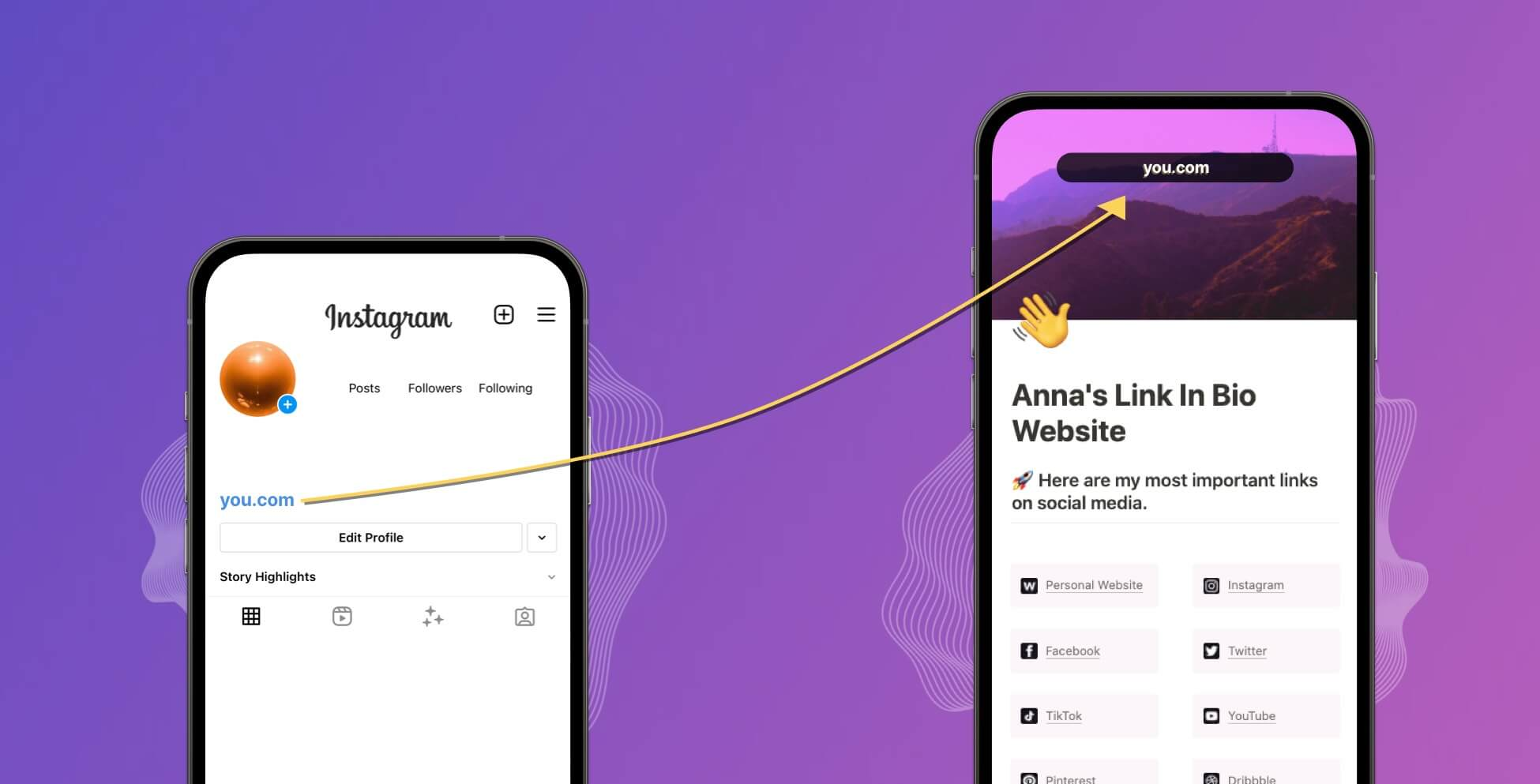
From this page, your audience can:
-
Shop your latest products
-
Read your newest blog post
-
Watch your recent YouTube video
-
Subscribe to your newsletter
-
Book a consultation call
Without a proper link in bio setup, you’re essentially asking your followers to play a guessing game. And trust me, most won’t bother. A well-organized bio link page removes friction and gives your audience a clear path to take action. It turns casual browsers into engaged visitors—and potential customers.
Factors to Consider When Choosing the Best Link-in-bio Tools 2026
Before we dive into the top recommendations, let’s talk about what actually matters when picking a tool. Not all link in bio tools for Instagram are created equal, and the right choice depends entirely on your goals.
Customization and Branding
Your link page is an extension of your brand. If it looks generic or uses someone else’s logo, it sends the wrong message. Look for tools that let you control colors, fonts, layouts, and backgrounds. The ability to use a custom domain is also a major plus—it makes your page look more professional.
Analytics and Tracking
You need to know what’s working. Basic click counts are fine, but advanced tools offer deeper insights like UTM tracking, Google Analytics integration, and even real-time data on individual link performance. If you’re running campaigns or tracking ROI, this is non-negotiable.
Ease of Use
Let’s be honest—you’re not trying to build a complex website. The best tools let you set up your page in minutes without coding or design skills. A clean interface and drag-and-drop editing go a long way.
Integration Capabilities
Does the tool play nicely with your existing tech stack? Integrations with Shopify, Mailchimp, YouTube, Spotify, and social media schedulers can save you time and streamline your workflow.
Pricing
Free plans exist, but they often come with trade-offs like limited customization or third-party branding. Paid plans unlock features like custom domains, advanced analytics, and more design control. Consider your budget but also think about value—sometimes paying a few dollars a month is worth the professional look and better data.
8 Best Link In Bio Tools For Instagram (2026 Comparison)
After testing dozens of options and looking at what is working right now, here are the eight best link in bio tools for Instagram in 2026. Each one has a different strength, so focus on what aligns with your goals.
1. Linktree
Overview:
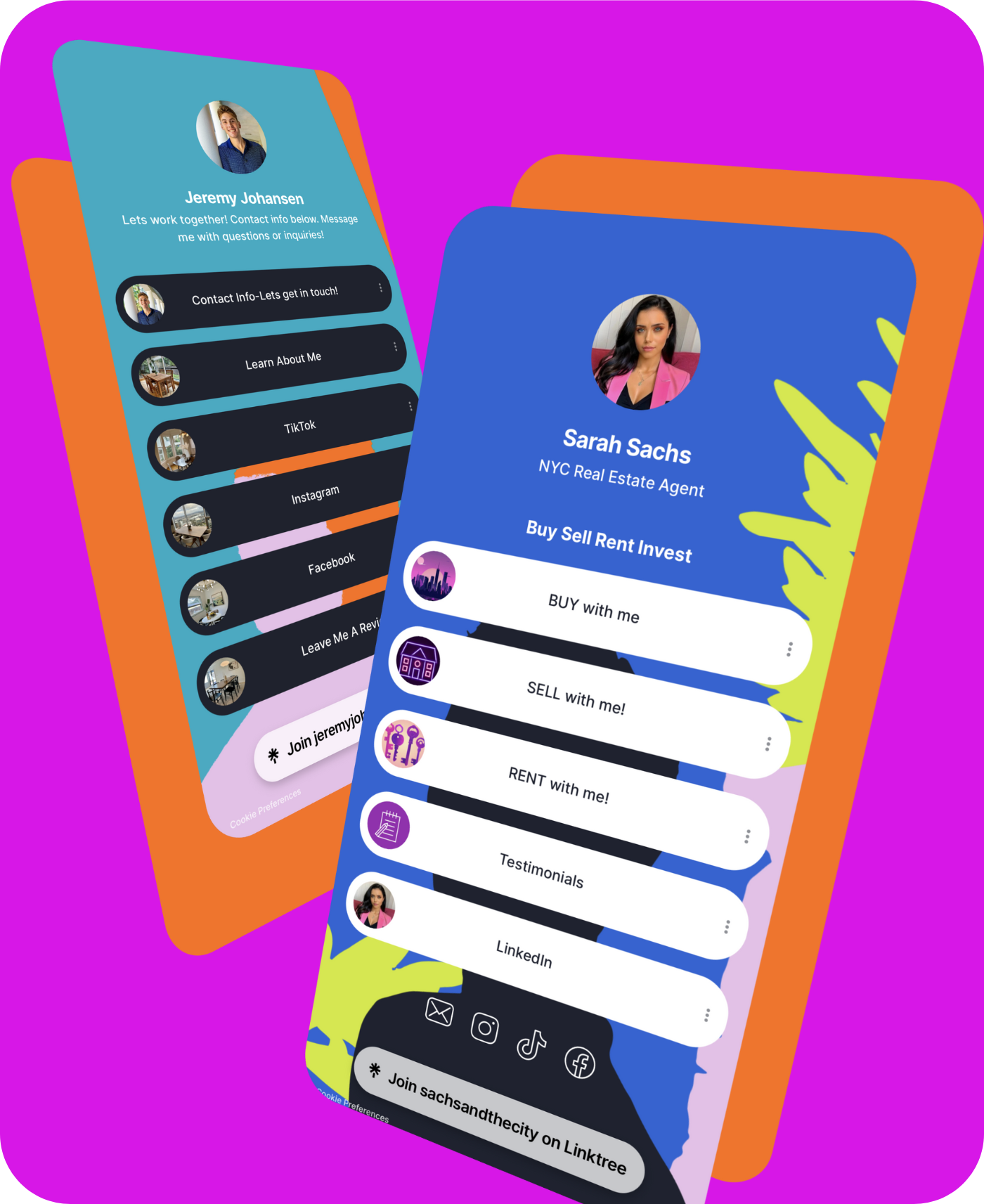
Linktree is the original player in this space. It is simple, widely recognized, and incredibly easy to use. You can add unlimited links, choose from a handful of themes, and get basic analytics on the free plan. It integrates with platforms like Mailchimp, Google Sheets, and Spotify, making it a reliable choice for creators and small businesses. In late 2025, Linktree increased its pricing—Pro now costs $15 per month (up from $9), and Premium is $35 per month. The free plan remains available but includes Linktree branding and a 12% transaction fee on digital sales.
Top Features:
-
Unlimited links on both free and paid plans
-
Drag-and-drop editor for quick setup
-
Integrations with over 30 third-party apps
-
Monetization tools like tip jars and payment links
-
Link scheduling for timed campaigns
-
Custom domain support on paid plans
-
TikTok whitelist approval (links work without being flagged)
Best For:
Creators and small businesses who want a reliable, recognizable solution. If TikTok is your main platform, Linktree’s whitelist status gives it an edge over competitors.
2. Biovelt
Overview:
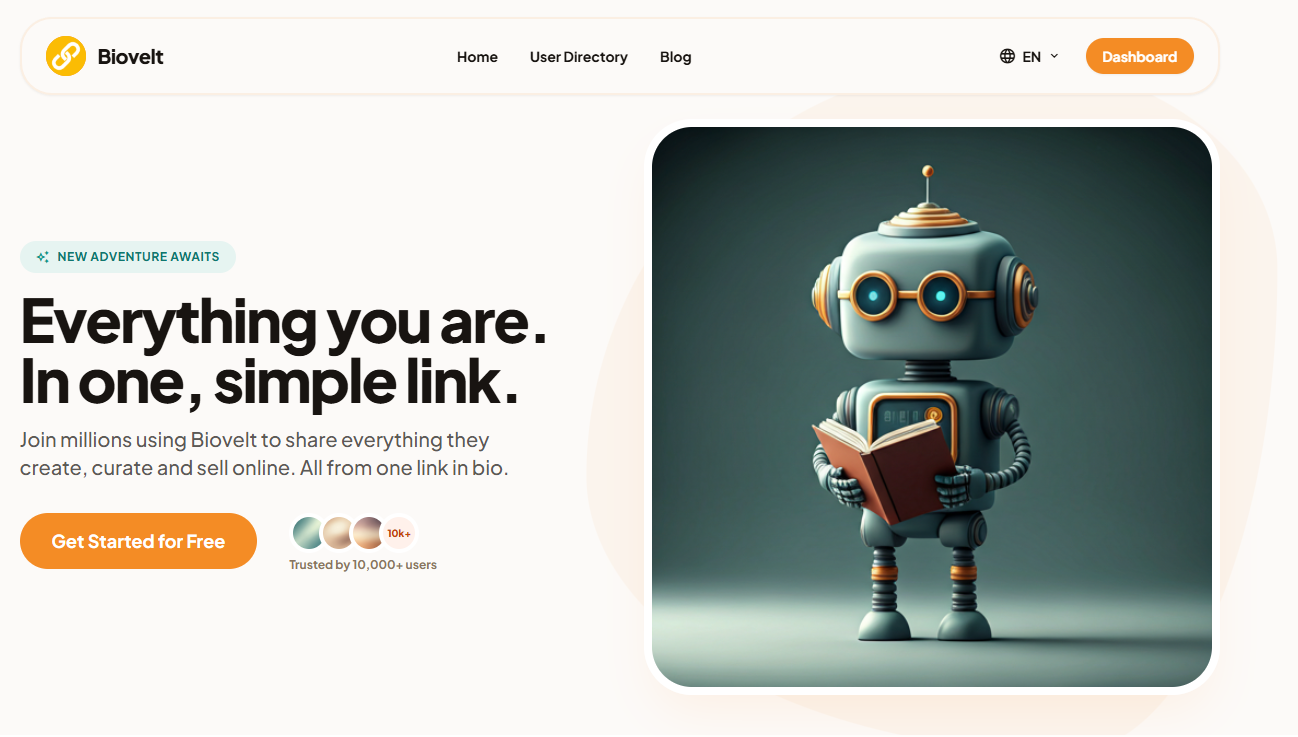
If you are looking for a completely free option that does not sacrifice features, Biovelt is worth checking out. It offers unlimited links, real-time click tracking, and a selection of professional themes—all for exactly zero dollars. There are no hidden fees or paywalls. You can build a personalized page that reflects your brand without worrying about subscription costs. Plus, the link tracking lets you see exactly what your audience is clicking on in real time, helping you refine your content strategy.
Top Features:
-
Unlimited link capacity
-
Real-time click tracking for each link
-
Multiple customizable themes to match your brand
-
Intuitive interface for quick setup (minutes, not hours)
-
100% free with no paid tiers and no credit card required
Best For:
Anyone who wants a powerful, no-cost solution without sacrificing quality or analytics. Biovelt is ideal for creators just starting out or anyone tired of subscription creep.
3. Later Linkin.bio
Overview:
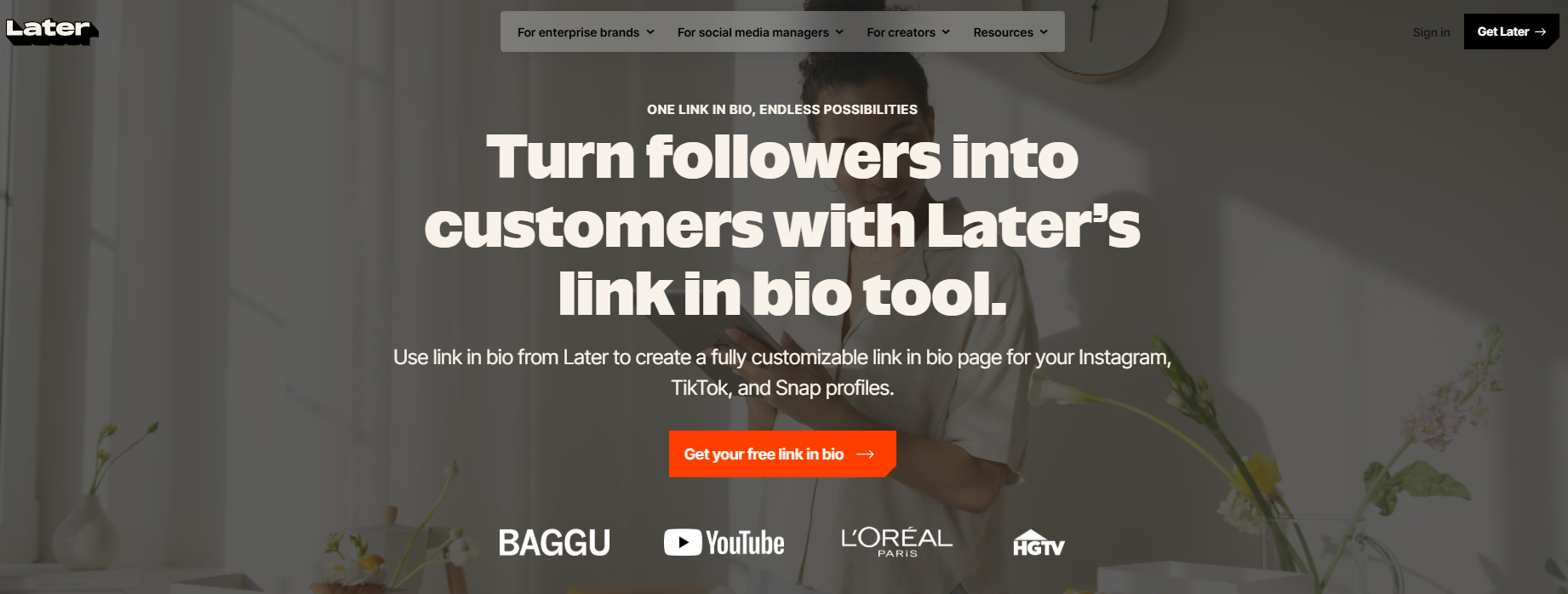
Later’s Linkin.bio takes a visual approach. Instead of a standard list of buttons, it mirrors your Instagram feed. Followers can tap on any post and be directed to the associated link. This is particularly strong for e-commerce brands because you can tag products directly. Later started as an Instagram-first scheduling tool and has grown into a full social media management platform covering Instagram, TikTok, Facebook, LinkedIn, Pinterest, X (Twitter), and YouTube . The visual calendar and grid preview are standout features that competitors struggle to match.
Top Features:
-
Clickable Instagram feed that links each post
-
Shopify integration for product tagging
-
Unlimited linked buttons
-
Fully customizable colors and fonts
-
Google Analytics and UTM tracking
-
Visual content calendar with drag-and-drop scheduling
-
Best Time to Post recommendations based on audience data
Best For:
E-commerce brands and businesses that want a visually cohesive shopping experience. Later is also ideal if you already use it for social media scheduling, as the link-in-bio tool integrates seamlessly.
4. Beacons
Overview:
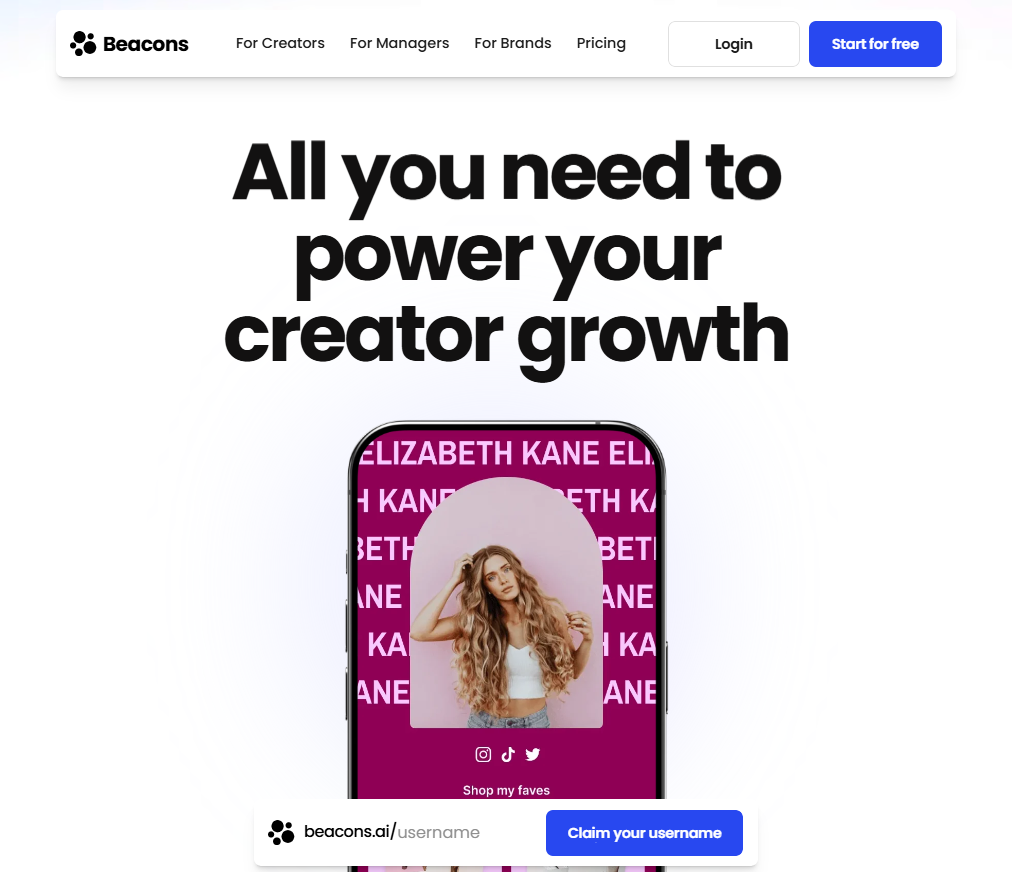
Beacons is designed for creators who want to monetize. It goes beyond simple link management—you can sell digital products, collect emails, display a media kit, and even use AI to help design your page. The interface feels modern, and the feature set is extensive, making it a solid all-in-one tool for influencers and digital entrepreneurs. Beacons is free to use and offers a comprehensive set of tools specifically tailored for Instagram and TikTok creators.
Top Features:
-
Built-in storefront for selling digital products, courses, memberships, and services
-
AI-powered design suggestions and brand outreach tools
-
Email marketing and audience management tools
-
Media kit generator for brand partnerships (auto-updates with your latest stats)
-
Income dashboard to sync and monitor finances
-
Invoicing system and W-9 tax form generator
-
QR code generator and link shortener
Best For:
Influencers, creators, and anyone focused on turning their audience into income. Beacons is particularly strong for creators who want an all-in-one platform rather than juggling separate tools for links, email, and sales.
5. Shorby
Overview:
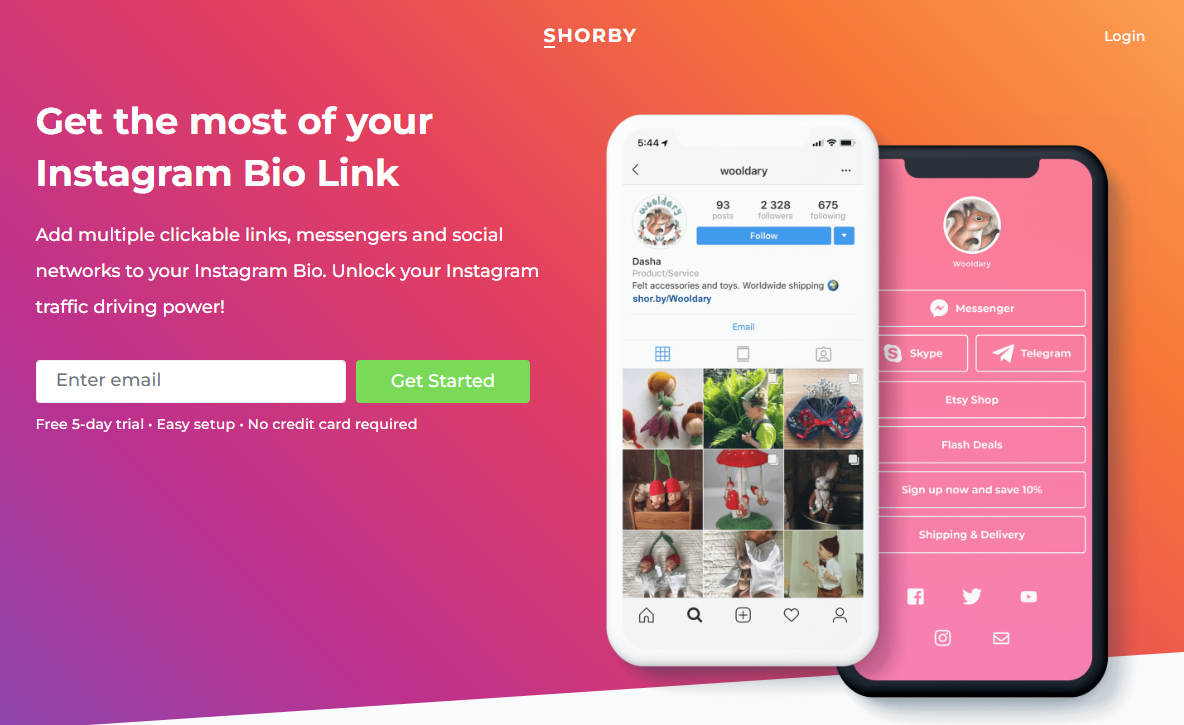
Shorby (recently rebranded to Shor) stands out because of its focus on real-time engagement. You can add chat buttons for WhatsApp, Messenger, and Telegram, making it easy for followers to reach you instantly. It also offers retargeting features and dynamic feeds that automatically pull your latest blog posts or YouTube videos into your landing page. The micro-landing pages are 100% mobile-optimized, giving followers a smooth experience from app to landing page.
Top Features:
-
Direct messaging integrations (WhatsApp, Messenger, Telegram, Skype, Viber)
-
Retargeting pixels for ad campaigns
-
Dynamic content feeds (automatic updates from your blog or YouTube via RSS)
-
Custom domains and branding on higher tiers
-
Scheduled blocks (show specific content at specific times)
-
Click tracking and basic analytics with Google Analytics integration
Best For:
Service-based businesses, consultants, and creators who prioritize real-time conversations and lead generation through chat.
6. Milkshake
Overview:
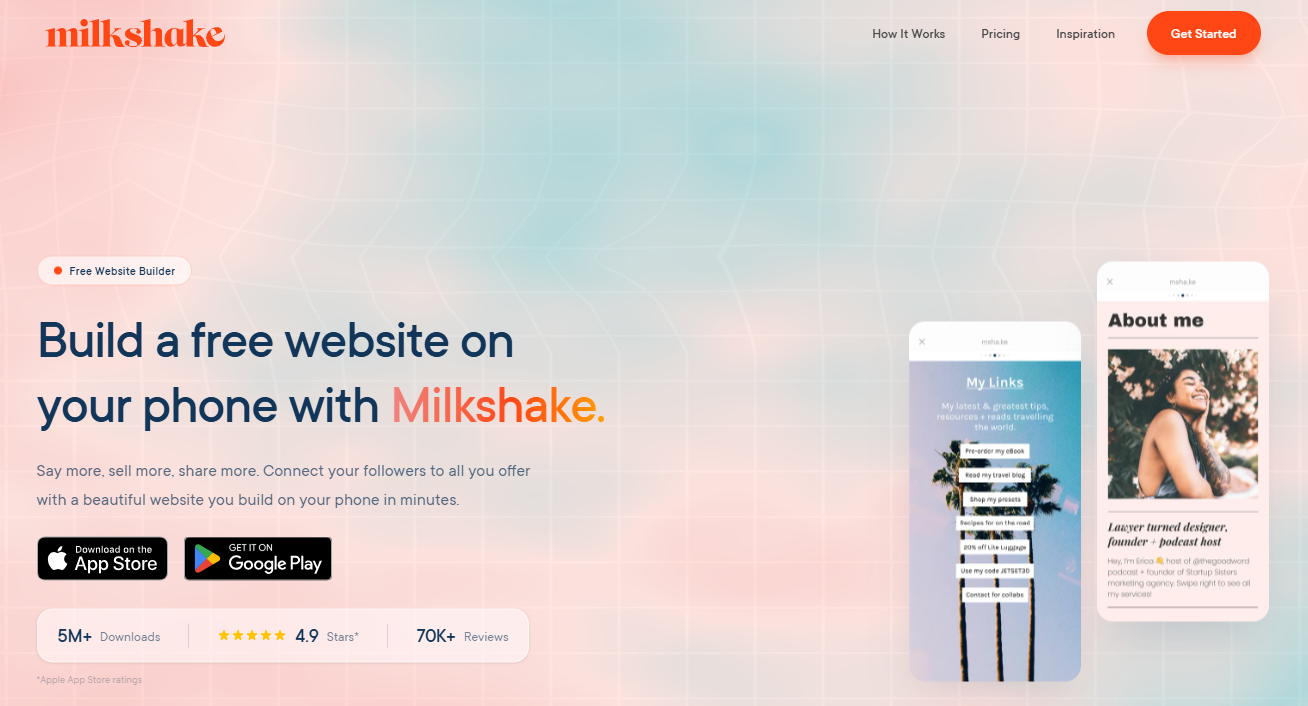
Milkshake is a mobile-first tool with a unique swipeable card design. It feels like an Instagram Story but functions as a mini website. You build your page entirely from your phone, which is perfect if you are always on the go. The interface is fun and intuitive, though customization options are somewhat limited compared to desktop-first tools. It is designed for creators who want a visually engaging, story-like experience for their followers.
Top Features:
-
Swipeable card-style pages that mimic Instagram Stories
-
Mobile app for easy editing on the go (iOS and Android)
-
Basic visitor analytics
-
Customizable themes and colors
-
Integrated email sign-up forms
-
No coding or design skills required
Best For:
Mobile-first creators, artists, and small business owners who want a visually engaging page without complexity.
7. Taplink
Overview:
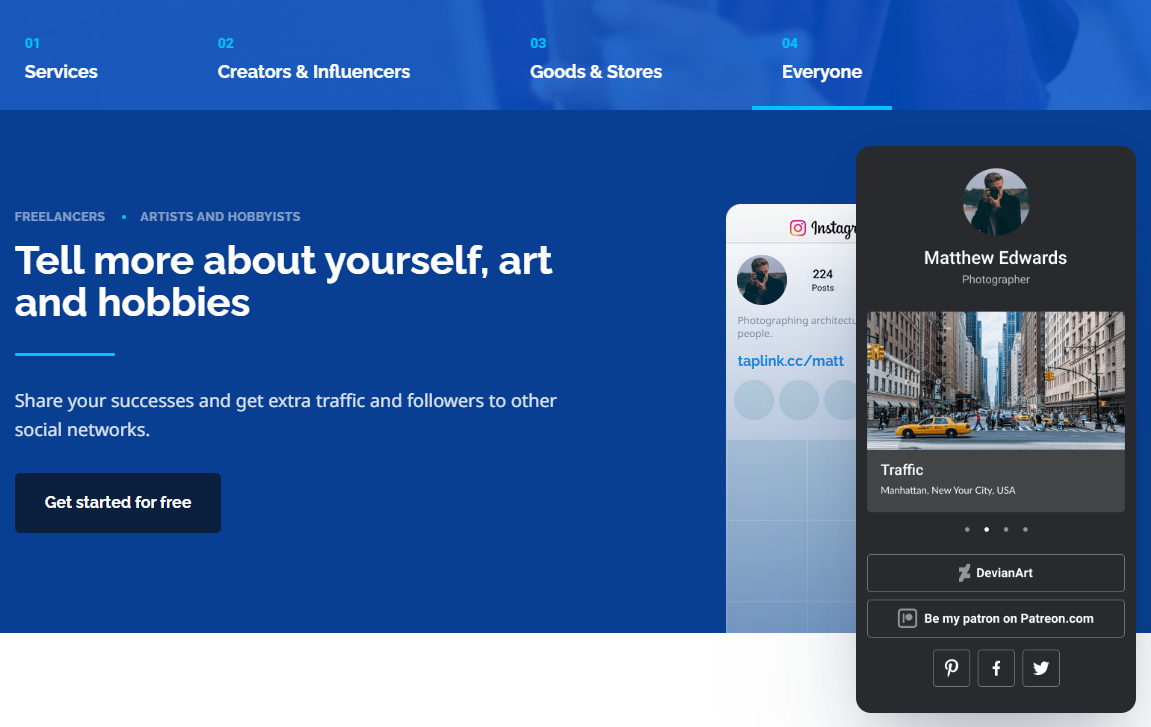
Taplink is a feature-rich tool that turns your bio link into a full micro-website. It includes blocks for almost everything: product catalogs, booking calendars, contact forms, maps, and more. If you need functionality beyond just links, Taplink delivers. It is highly customizable but can feel overwhelming if you only want a simple list of URLs. The platform supports e-commerce integrations and payment processing, making it suitable for businesses that need advanced functionality.
Top Features:
-
30+ content blocks (catalog, booking, forms, maps, etc.)
-
Ready-to-use templates
-
Product catalogs with payment integration
-
Appointment scheduling and booking systems
-
Customizable layouts and themes
-
Contact forms and lead capture tools
Best For:
E-commerce brands, service providers, and businesses that need advanced functionality from their bio link—essentially a mini-website rather than just a link hub.
8. Lnk.Bio
Overview:
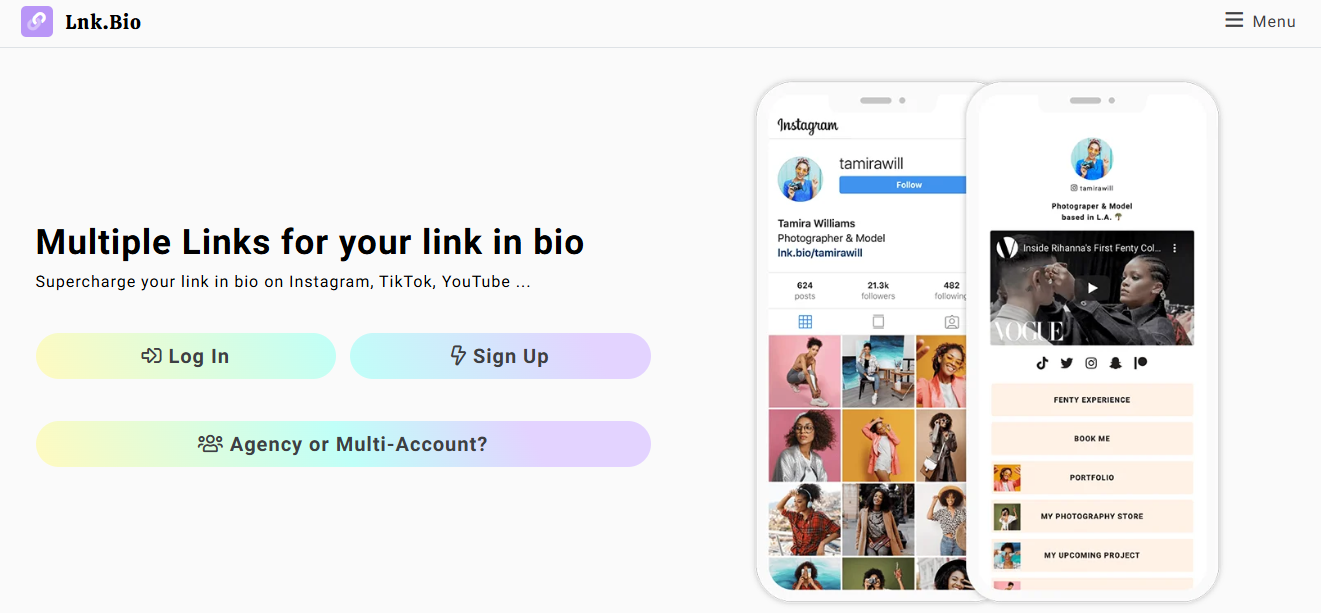
Lnk.Bio is one of the simplest tools on the market. It gives you a clean, minimalist page with unlimited links. The free plan is generous, and paid plans start at just $0.99 per month, making it one of the most affordable options. It does not have the flashy features of competitors, but if all you need is a straightforward link hub, it gets the job done. The mobile app is available for iOS and supports features like link scheduling and basic analytics.
Top Features:
-
Unlimited links on the free plan
-
Link scheduling and basic analytics
-
Customizable background images
-
No ads on paid plans
-
Official Instagram API integration
-
Tip/donation feature with no commission taken
Best For:
Budget-conscious creators and businesses that want a simple, affordable link page without monthly subscription costs eating into their revenue.
Tips for Optimizing Your Instagram Profile
A great link in bio page is useless if your Instagram profile itself is not set up for conversions. Here are a few practical ways to make sure your profile actually drives clicks.
1. Write a Bio That Demands Action
You have 150 characters to convince someone to click. Do not waste it on vague phrases like “check out my links.” Instead, tell people exactly what they will find. If you are launching a product, say “Shop the drop.” If you have a new episode, say “Listen to the latest episode.” Be direct. Action-oriented language works.
2. Remind People Everywhere
You cannot assume your followers will instinctively know to click your bio link. You need to tell them. Mention it in your Instagram Stories using the link sticker. Add a line in your Reels captions. Even in your posts, a simple “link in bio” reminder can double your click-through rate. Repetition matters.
3. Rotate Your Links Based on What’s Current
Your link page should not be static. If you set it up once and forget about it, you are leaving opportunities on the table. When you have a new promotion, move it to the top. If a blog post is gaining traction, highlight it. Treat your bio page like a storefront window—what is front and center should always be your newest or most important offer.
4. Use UTM Parameters Like a Pro
If you want to know what is actually working, use UTM parameters. These are simple tags you add to the end of your URLs. When someone clicks, Google Analytics can tell you exactly which Instagram post, Story, or campaign brought them in. This data helps you double down on what works and cut what does not.
5. Match Your Link Page to Your Brand Aesthetic
When someone clicks your bio link, the page they land on should feel like part of your world. If your Instagram feed is bright and minimalist, your link page should match. Use the same colors, fonts, and overall style. Consistency builds trust. When the design is cohesive, people are more likely to stay and explore.
FAQs About Link in Bio Tools for Instagram
Can I add multiple links to my Instagram bio without a tool?
No. Instagram only allows one clickable link in your bio. You can add up to five links as text, but they will not be clickable. A link in bio tool is the only way to offer multiple clickable destinations from a single bio entry.
Are link in bio tools free?
Many offer free plans. Linktree, Beacons and Biovelt all have free tiers. However, free plans often include third-party branding, limited customization, or basic analytics. For advanced features like custom domains or deeper data, paid plans are available.
Do link in bio tools hurt SEO?
They do not hurt SEO, but they also do not directly improve it. These pages are usually simple and not heavily optimized for search engines. However, they can improve user experience and drive traffic to your main website, which indirectly benefits your SEO.
Can I use a custom domain?
Yes, many paid plans allow you to connect your own domain name. Instead of “linktr.ee/yourname,” you can have “links.yourname.com” or something similar. This adds a professional touch and reinforces your brand.
How do I track clicks from my link in bio page?
Most tools provide built-in analytics showing total clicks and individual link performance. For more detailed tracking, use UTM parameters and connect your page to Google Analytics or Meta Pixel.
Conclusion on Link in Bio Tools for Instagram
Picking the right tool comes down to what you actually need. If you just want something simple and reliable, Linktree is a safe bet. If you run an online store, Later Linkin.bio or Taplink are worth the investment. For creators focused on monetization, Beacons offers a lot of value. And if you want a solid, completely free option, Biovelt gives you unlimited links and real-time analytics without asking for your credit card.
Once you have your tool set up, do not let it sit there collecting dust. Keep your profile fresh, track your data, and make sure every link serves a purpose. Your Instagram bio is one of the most valuable pieces of real estate you have. When you use it right, it becomes more than just a profile—it becomes a tool that works for you around the clock.