
Social Media Integration: The 2026 Guide to Connecting Clicks to Revenue
Learn what Social Media Integration actually means in 2026, including four measurable benefits, real-world examples, server-side tracking, and how to choose the right tools.
Many marketing teams cannot tell which specific Instagram post, Story, or bio link drives a sale. You post a link. People tap it. You see a spike in "Social" traffic. But which post? Which story?
Attribution is one problem. But social media integration solves at least three others that directly affect revenue — not just reporting.
This guide covers four measurable benefits of proper integration: attribution accuracy, conversion rate optimization via social login, page performance, and indirect SEO influence.
Let's talk about what actually works in 2026.
What Is Social Media Integration
Here is what social media integration actually means in 2026:
The technical ability to pass data, authentication, or content between a social platform and your owned digital property (website, app, store).
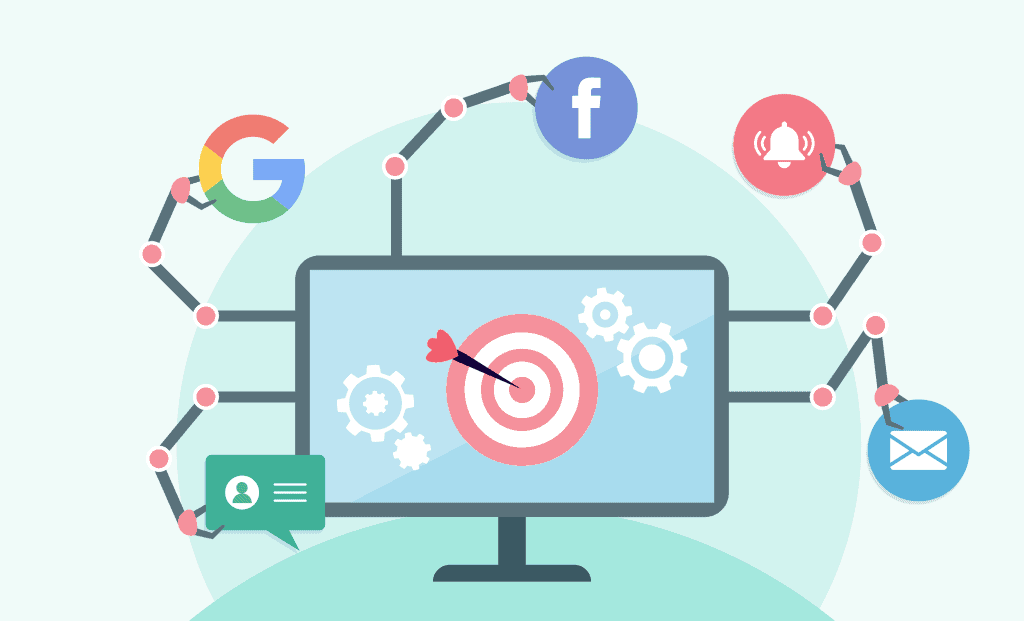
Three specific use cases:
-
Data passing: Knowing that User A clicked from TikTok video X and bought Product Y. Not just "someone from TikTok."
-
Authentication: Letting someone log into your app with their Google or LinkedIn profile instead of filling out a 12-field form.
-
Content syndication: Pulling real-time UGC (reviews, unboxings, testimonials) from social platforms and displaying them on your site without screenshots.
Everything else—adding a Facebook icon to your footer, auto-posting blog links to X—is table stakes. That is not "integration." That is basic maintenance.
Stop calling basic maintenance a strategy.
What Are the Benefits of Social Media Integration
Here are four measurable benefits that directly impact revenue or operational efficiency. I have seen all of these break or save actual businesses in the last 12 months.
Benefit 1: Your Conversion Tracking Stops Lying
You run an Instagram ad. People click. Sales happen. Meta attributes $10,000 to that campaign. But you also ran a newsletter that morning and a Google Shopping ad. Who actually gets credit?
The problem: Without proper integration (server-side tracking + clean UTM parameters), Meta defaults to last-click attribution. If the last thing someone clicked was your Instagram link before buying, Meta claims the entire sale—even if the customer discovered you through a YouTube review three days earlier.
The fix: Proper integration ties social clicks to your backend order system using server-side events and consistent UTM parameters. You stop over-crediting the last touch. You see the real customer journey. You are still approximating—attribution is never perfect—but you get much closer.
Benefit 2: Your Load Times Stay Fast (Crucial for SEO)
Those "live Instagram grid" widgets? Many of them load 50+ separate image files and 200+ lines of JavaScript. Google's Core Web Vitals penalize this heavily.
Core Web Vitals have been a ranking factor since 2021. Pages loading large third-party social widgets (often 2MB+ of JavaScript and images) routinely fail LCP and CLS thresholds. While Google does not publish a specific "2MB cap," field data from HTTP Archive shows pages exceeding this weight have significantly higher failure rates on mobile.
The solution is not "don't integrate social." The solution is how you integrate.
Server-side integration (fetching social content on your backend and caching it locally) loads in 50ms instead of 2 seconds. Your users stay. Google stays happy. And you still get the social proof.
Benefit 3: Social Login Cuts Friction by 60-80%
You want to know why your newsletter sign-up rate is 2%?
Because you are asking people for their name, email, city, and "how did you hear about us?" on a 7-field form.
Add a "Continue with Google" or "Continue with LinkedIn" button (that is social media integration via OAuth) and watch that form abandonment rate drop.
I worked with a B2B SaaS company last quarter. They added Google login to their gated content download. Conversion rate went from 11% to 34% in one week. Same content. Same audience. Just fewer fields.
Benefit 4: Social Signals May Influence SEO (Indirectly)
Open an incognito window. Search for a niche product like "wireless mic for iPhone." Look at the first page. You will often see Reddit threads, YouTube videos, and TikTok embeds.
Google's AI Overviews (SGE) can surface social content as supplementary results. There is no public Google document stating that lack of social discussion penalizes your website. However, SEO practitioners have observed correlation: brands with active, keyword-aligned social presences tend to rank for their target clusters more quickly.
The safe interpretation: align your social posts with the same keywords and entities your website uses. At minimum, this increases the chance Google surfaces your social properties alongside your site. At best, it contributes to topical authority.
5 Real Examples of Social Media Integration (With Specifics)
These are 5 specific tactics you can copy.
Example 1: The Privacy-Safe UGC Gallery
A supplement company (let's call them Brand A) wants to show customer TikTok reviews on their product page. But they cannot embed TikTok videos directly because of tracking consent issues.
Their solution: They use a middle-layer integration tool that fetches video previews, strips tracking parameters, and serves a static image with a "Watch on TikTok" button. The page loads fast. GDPR compliant. And conversion on that product page increased 18%.
Example 2: The Login Wall That Actually Works
A job board platform (Brand B) used to require email sign-up to save job searches. Abandonment was 47%.
They switched to "Sign in with LinkedIn." The integration pulls the user's job title and industry from their profile. The platform pre-filters jobs for that industry before the user even searches. Abandonment dropped to 22%. Job applications increased 31%.
Example 3: Attribution for Dark Social (WhatsApp, DM, etc.)
A DTC fashion brand (Brand C) saw 40% of their traffic classified as "Direct" in Google Analytics. That usually means dark social—people sharing links via WhatsApp, Messenger, or DMs.
They started using a link-in-bio tool (more on tools below) that appends unique tracking codes to every shared link. Suddenly "Direct" traffic dropped to 18%. They learned that WhatsApp referrals from their customer VIP group actually converted at 9%, their highest channel.
Example 4: The Live Event Social Wall (Done Sustainably)
A conference organizer (Brand D) used to project a live Instagram hashtag feed on stage. It was fun. But the feed kept breaking because of Instagram API rate limits.
They switched to a server-to-server integration that polls Instagram every 5 minutes, caches the posts, and serves a clean grid. The feed never broke. They also filtered out spam posts automatically.
Example 5: YouTube Comment Sentiment on Product Pages
A hardware startup (Brand E) noticed their YouTube tutorial videos had 500+ comments praising a specific feature. Their own website mentioned the feature briefly.
They integrated a widget that pulls positive sentiment comments from their YouTube channel and displays them as testimonial snippets on the product page. Bounce rate decreased 12%.
How to Integrate Social Media Effectively (A 2026 Workflow)
Ignore any guide that says "follow these 10 easy steps." You need four stages. No more.
Stage 1: Audit Your Existing Data Leaks
Before adding anything new, check where you are losing attribution right now.
-
Open your analytics. Look at "Direct" and "Unattributed Social" traffic. Is it over 30%? You have a leak.
-
Click every social link you have posted in the last 7 days. Where does it actually go? (You will probably find broken links or redirect chains.)
Stage 2: Fix Your Link Hygiene (The 80/20 Win)
Here is where most of your return comes from.
Every single social link—bio, post, comment, story—must use consistent UTM parameters. Not just ?utm_source=instagram. You need:
-
utm_source (platform: instagram, tiktok, linkedin, x)
-
utm_medium (bio, story, post, dm)
-
utm_campaign (weekly_sale, q2_launch, newsletter_promo)
-
utm_content (video1, carousel2, static_image)
Without these four parameters, you cannot distinguish a bio link click from a story swipe-up click. They will both show as "Instagram / Referral." Useless.
Stage 3: Choose One Integration Type (Not All)
Do not try to build a live feed, social login, and UGC gallery at the same time. Pick one.
-
For e-commerce: Start with UGC gallery on product pages. Highest ROI.
-
For B2B/SaaS: Start with LinkedIn or Google login for gated content.
-
For creators/publishers: Start with link tracking (bio and post-level).
Stage 4: Set Up Server-Side Tracking
Client-side tracking is dying: Safari and Firefox block it; Chrome kills third-party cookies in Q3 2026. Switch to server-side tracking now or lose 30-40% of your attribution data.
Server-side tracking means your server sends data directly to Meta/LinkedIn/TikTok's API. It does not rely on the user's browser. It survives ad blockers. It is harder to set up (one afternoon with a developer or a tool like Stape), but it is the only way your social media integration will still work next year.
6 Best Social Media Integration Tools in 2026
Here are the six worth your attention.
1. Juicer.io
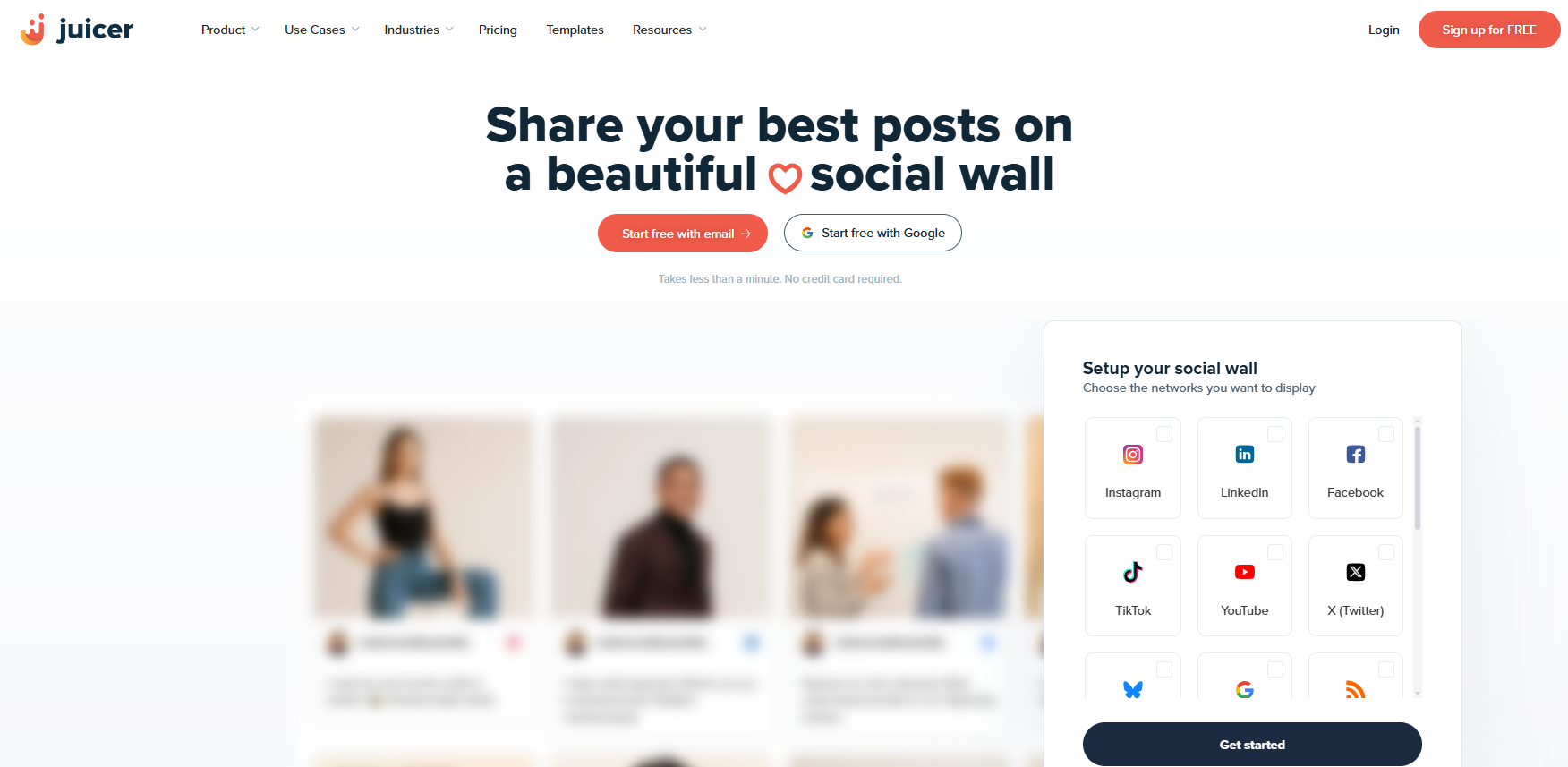
Juicer is the market leader in social media aggregation, holding over 50% market share with more than 8,300 customers. It pulls posts from 15+ social platforms—Instagram, TikTok, LinkedIn, YouTube, X (Twitter), Facebook, and even RSS feeds—and blends them into a single, auto-updating feed that you embed on your website with a simple code snippet. The real value is in the automation. Instead of manually updating your website with fresh social proof, Juicer does it for you on a schedule (hourly, daily, or real-time depending on your plan). It also includes automatic and manual moderation, so inappropriate content never hits your live site. For businesses that want to keep their website dynamic without constant babysitting, Juicer is the pragmatic choice.
Key Features:
-
15+ platform sources, including Instagram, TikTok, LinkedIn, YouTube, and X
-
Auto-moderation with keyword and profanity filtering
-
Nine pre-built themes plus full custom CSS access
-
Built-in analytics showing post clicks, feed views, and follower growth
-
Free plan available (one source, daily updates)
2. Walls.io

Walls.io specializes in one specific use case: live social walls for events. Conferences, festivals, trade shows, and retail digital signage are where this tool shines. Unlike general-purpose aggregators, Walls.io includes interactive engagement features designed for physical audiences. Attendees can see their posts appear on a big screen in real time, participate in live polls, upload photos directly through a built-in photo booth (no social account required), and react to content with emojis. Moderation happens from your phone, which is essential when you are managing a live wall with thousands of posts coming in. It is GDPR and CCPA compliant out of the box, which matters for European events. The free plan works for small tests, but pricing jumps significantly for production use—starting at $270 per month.
Key Features:
-
Real-time aggregation from 15+ social platforms
-
Built-in photo booth for direct uploads (no social login needed)
-
Live polls and emoji reactions for audience engagement
-
Mobile-first moderation interface
-
Event-based pricing available for one-time conferences
3. Taggbox
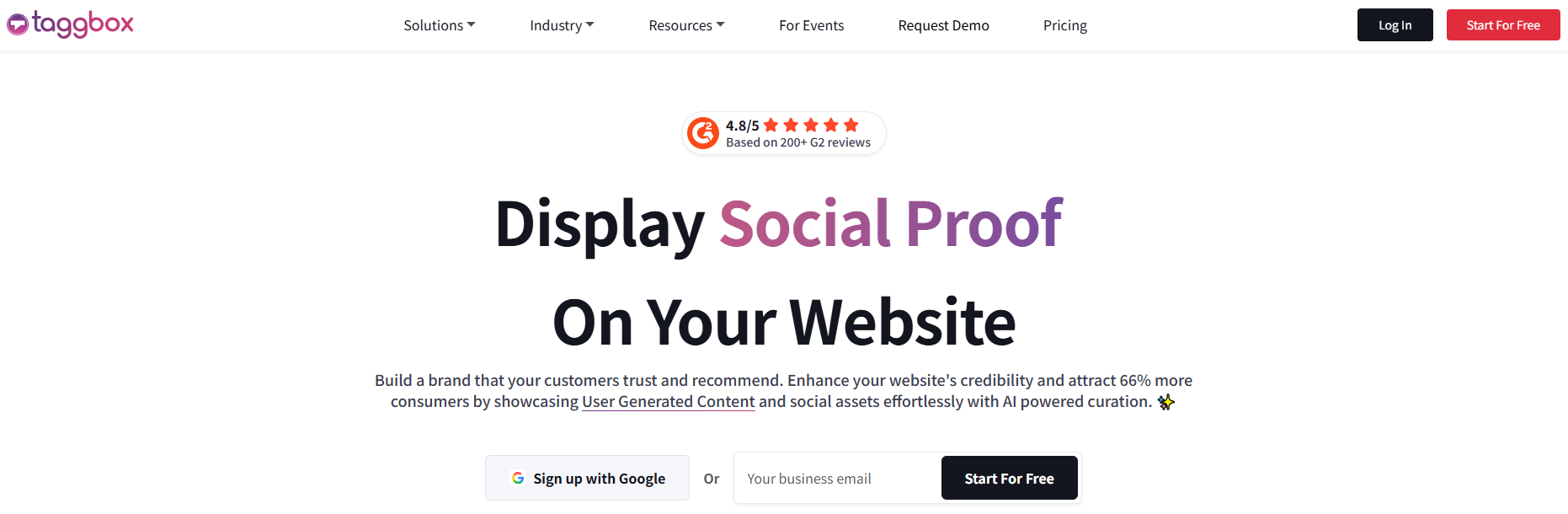
Taggbox is a UGC (user-generated content) platform that goes beyond simple aggregation. It is built for brands running full UGC marketing campaigns—collecting customer photos and videos, curating the best ones, requesting usage rights, and publishing them across websites, digital screens, email campaigns, and social ads. The standout feature is shoppable galleries: you can tag products directly in social media posts, so visitors click on a customer's Instagram photo and go straight to the relevant product page. AI-powered moderation automatically filters spam, profanity, and low-quality content before it appears in your feeds. Taggbox also includes rights management tools, so you can legally request permission to repost customer content. Pricing starts at 19permonthfortheStarterplan,withtheGrowthplanat19permonthfortheStarterplan,withtheGrowthplanat39 per month adding shoppable widgets and automatic moderation.
Key Features:
-
Shoppable UGC galleries with direct product tagging
-
AI-powered content moderation (spam, profanity, quality filtering)
-
Multi-channel publishing (website, digital screens, email, ads)
-
Rights management workflow for legal content reposting
-
Free plan available (500 monthly views)
4. EmbedSocial
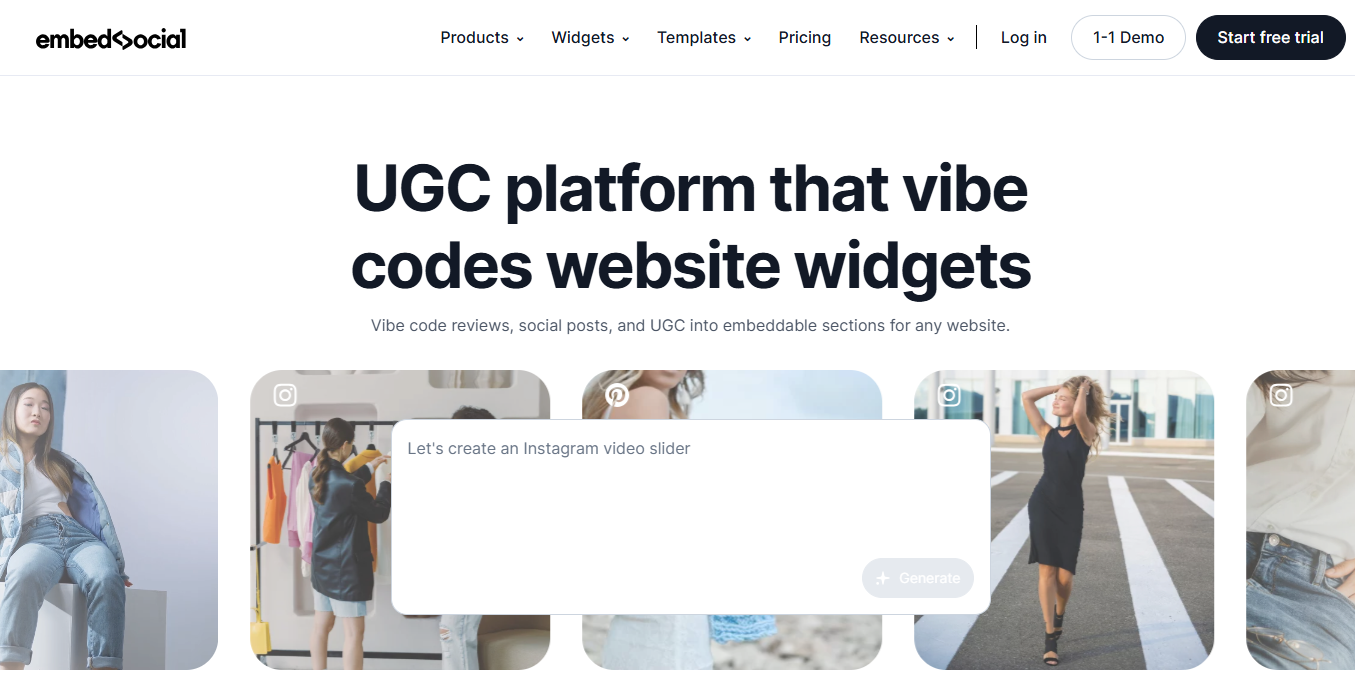
EmbedSocial serves two related markets: social media aggregation and reviews collection. It offers over 50 widget templates for displaying social feeds, plus a separate review collection tool that sends automated review requests to customers and displays them as social proof on your site . The platform connects to Instagram, Facebook, TikTok, X, LinkedIn, YouTube, Google Maps, and review sites like TripAdvisor and Yelp. What sets EmbedSocial apart is its library of pre-built templates—you can go from sign-up to an embedded feed in under 10 minutes without touching code. The moderation dashboard lets you filter, approve, or hide posts manually, and you can create "social walls" for specific campaigns or hashtags. Pricing starts at $29 per month, and a free plan is available with limited features.
Key Features:
-
50+ pre-built widget templates for different use cases
-
Separate review collection and display system
-
Multi-platform support including Google Maps and TripAdvisor
-
Manual and automatic content moderation
-
AI-generated responses to customer reviews (paid plans)
5. Curator.io
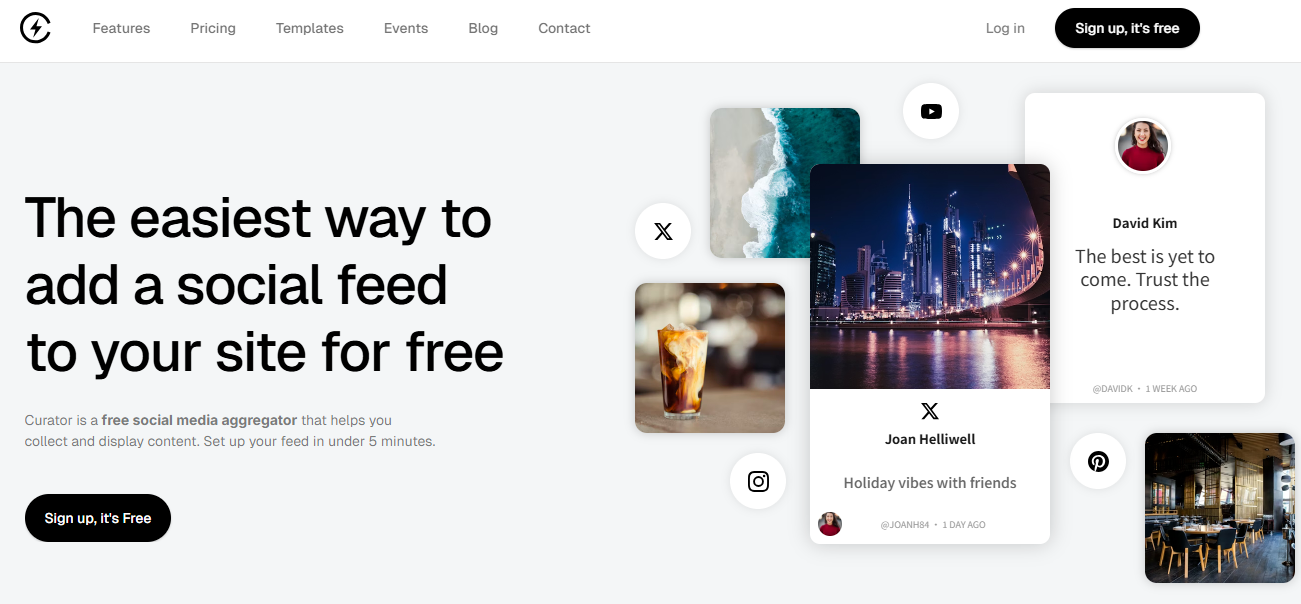
Curator.io holds the second-largest market share in social media aggregation at nearly 49%, with over 8,000 customers. It is designed for teams that need more control over the visual presentation of their social feeds. Curator.io offers deep customization options, including custom CSS, JavaScript hooks, and white-labeling on higher plans. The platform pulls content from 15+ sources, including Instagram, TikTok, Facebook, X, YouTube, LinkedIn, and Pinterest. One differentiator is its "smart filters"—you can create rules to automatically include or exclude posts based on keywords, authors, or source platforms. The embed is SEO-friendly, meaning the social content gets indexed by Google (most aggregators use iframes that search engines ignore). Pricing starts at 25permonthfortheStandardplan,withwhite−labeloptionsstartingat25permonthfortheStandardplan,withwhite−labeloptionsstartingat99 per month.
Key Features:
-
SEO-friendly embeds (content gets indexed by Google)
-
Smart filtering rules based on keywords, authors, and sources
-
Custom CSS and JavaScript for full design control
-
White-label options for agencies
-
15+ social platform support, including Pinterest
6. Biovelt
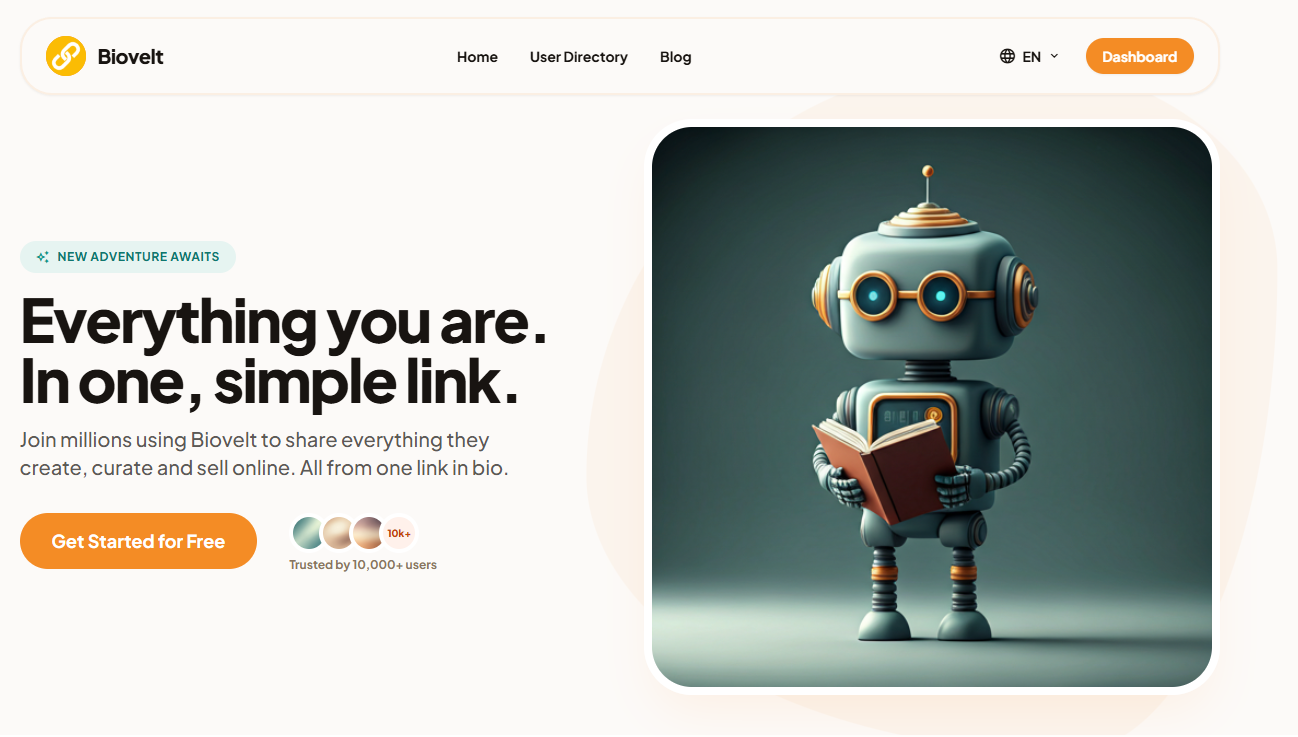
Most link-in-bio tools charge you for basic click tracking and cap your links at five unless you pay. Biovelt does neither. It is a free link-in-bio tool that gives you unlimited links on a single customizable page—perfect for creators and small businesses who want to send Instagram, TikTok, or YouTube traffic to multiple destinations (your latest video, your shop, your newsletter, your affiliate products, your podcast) without paying a monthly subscription. The killer feature is real-time link tracking. Every link on your Biovelt page gets a live click counter that updates instantly, so you can see exactly which link is performing best. This solves a specific social media integration problem: knowing which bio link drives actual traffic. You can reorder links based on performance data, test different phrasing, and optimize your bio in real time.
Key Features:
-
Unlimited links on the free plan (no five-link cap)
-
Live click counters per link (refreshes in real time)
-
Customizable themes and button colors (no coding required)
-
Mobile-optimized responsive design
How to Choose the Right Social Media Integration Tool
Stop reading feature lists. Start with your constraint.
If your constraint is budget: Start with Biovelt for link tracking (free) and Zapier's free tier for light automation. You cannot beat free.
If your constraint is technical skill: Avoid Stape and OAuth, plus unless you have a developer. Start with Metricool or Foursixty (both are GUI-heavy).
If your constraint is privacy/GDPR: Stape (server-side) and OAuth.plus (token handling) are your only safe options. Embedding client-side widgets puts you at legal risk in the EU.
If your constraint is e-commerce revenue: Foursixty for UGC (proven ROI on product pages) + Biovelt for bio link tracking (proven ROI on Instagram shopping).
If your constraint is B2B lead gen: OAuth.plus for social login (reduces friction on whitepaper downloads) + Metricool for campaign attribution.
One tool will not solve all four use cases. If a vendor claims "all-in-one social media integration," they are lying or about to sunset half their features.
FAQs
Q: Do I really need server-side tracking in 2026?
If you spend more than $1,000 per month on social ads, yes. Without server-side tracking, you are optimizing based on roughly 60-70% of the data. The 30-40% of users with ad blockers or strict browser privacy settings are invisible to client-side pixels.
Q: Can I just use Google Tag Manager for all of this?
Partially. GTM handles client-side tags well. It cannot handle OAuth logins, server-side API calls to Instagram, or UGC aggregation. GTM is one tool. Social media integration usually requires 2-3 tools working together.
Q: Why is my embedded Instagram feed slowing my site so much?
Because you are using the official Instagram embed code. It loads the full Instagram player, tracking scripts, and suggested posts. Replace it with a server-side cached feed using a tool like Juicer or EmbedSocial (which fetch and cache the content).
Q: What breaks most often with social integrations?
API rate limits and authentication expirations. Instagram allows very few calls per hour. LinkedIn tokens expire every 60 days. Set up monitoring (UptimeRobot or similar) to alert you when a feed goes blank or a login button stops working. Do not wait for users to complain.
Q: Is social login secure for my users?
It can be, but only if implemented correctly. Minimum requirements:
-
Use official OAuth2 libraries from the platform (Google, LinkedIn, etc.)
-
Request only the permissions you actually need (email + name is fine; contact list is not)
-
Store tokens encrypted, never in plain text
-
Use the state parameter (a random string you generate and validate to ensure the OAuth request has not been tampered with) to prevent CSRF attacks
-
Rotate client secrets periodically
Without these, social login introduces risk. With them, it is generally safer than asking users to create yet another password.
Final Words on Social Media Integration
Most articles about social media integration recycle generic advice because it ranks — not because it works.
Real implementations rarely go smoothly. Links ship without tracking parameters. Login buttons break due to unnoticed API changes. Embedded feeds fail from rate limits. That is normal.
The real value is not in theory. It is in knowing where your data breaks, fixing one leak at a time, and measuring the difference.
Start this week. Pick one leak:
-
Fix your bio links with tracking
-
Add social login to your highest-traffic form
-
Replace slow embedded feeds with a cached version
Test before and after. If you cannot measure a clear improvement, switch tactics. Even small progress counts.