
7 Best Link Management Tools Compared (2026): From Free to Enterprise
This 2026 guide compares 7 link management tools across free to enterprise tiers, with actionable advice on choosing by traffic source, budget, and hidden risks.
If you're still pasting raw URLs into your social posts or emails, you're leaving clicks on the table.
A link management tool does three things a raw URL can't: brand your links, track every click, and let you edit destinations after posting.
In this guide, I compare 7 tools—from free options to enterprise-grade—so you can pick the right one in under 5 minutes.
What Is A Link Management Tool?
At its core, a link management tool transforms a long web address into a short, trackable link. But if you think that is all it does, you are missing the bigger picture.
Think of it as a middleware layer between your content and your audience. When you use a proper platform, every click becomes a data point. You can see who clicked, where they are located, what device they used, and when they clicked it.
For businesses, it is about branding. Instead of bit.ly/3fgh2T, you get shop.yourbrand.com/sale. That tiny change builds trust. Users are far more likely to click a link that looks clean and recognizable than a random jumble of letters.
Modern tools also offer "link-in-bio" solutions. Since Instagram and TikTok usually allow only one clickable link, these tools create a landing page hosting all your other links. Essentially, a link management tool turns a simple redirect into a powerful marketing asset.
Benefits of Using Link Management Tools
Why add another login to your daily routine? If you share more than five links a week, you need a link management tool. Here’s what it fixes immediately.
1. Brand Trust and Higher CTR
Branded links consistently outperform raw URLs because they look safe and familiar. A custom domain turns every share into a branding opportunity, not a spammy red flag.
2. Real-Time Analytics (Without the Fluff)
Most tools provide a dashboard showing:
-
Geolocation – US vs. Europe
-
Device type – mobile vs. desktop
-
Referrer – Twitter, LinkedIn, or newsletter
-
(Advanced tools add conversions and pixel retargeting)
3. Organization at Scale
As you scale, hundreds of links become chaos. A good tool offers folders, tags, and search. You can find that “Winter Sale” link from 2023 in seconds.
4. Retargeting via Tracking Pixels
Advanced tools let you install a Facebook or Google pixel. If someone clicks your link, you can later show them an ad. That’s a superpower for conversion.
7 Best Link Management Tools in 2026
The market is flooded with options. To save you time, I tested dozens based on pricing, ease of use, and analytics depth. Here are the 7 best link management tools you should consider, ranging from enterprise beasts to simple, free solutions.
1. Bitly
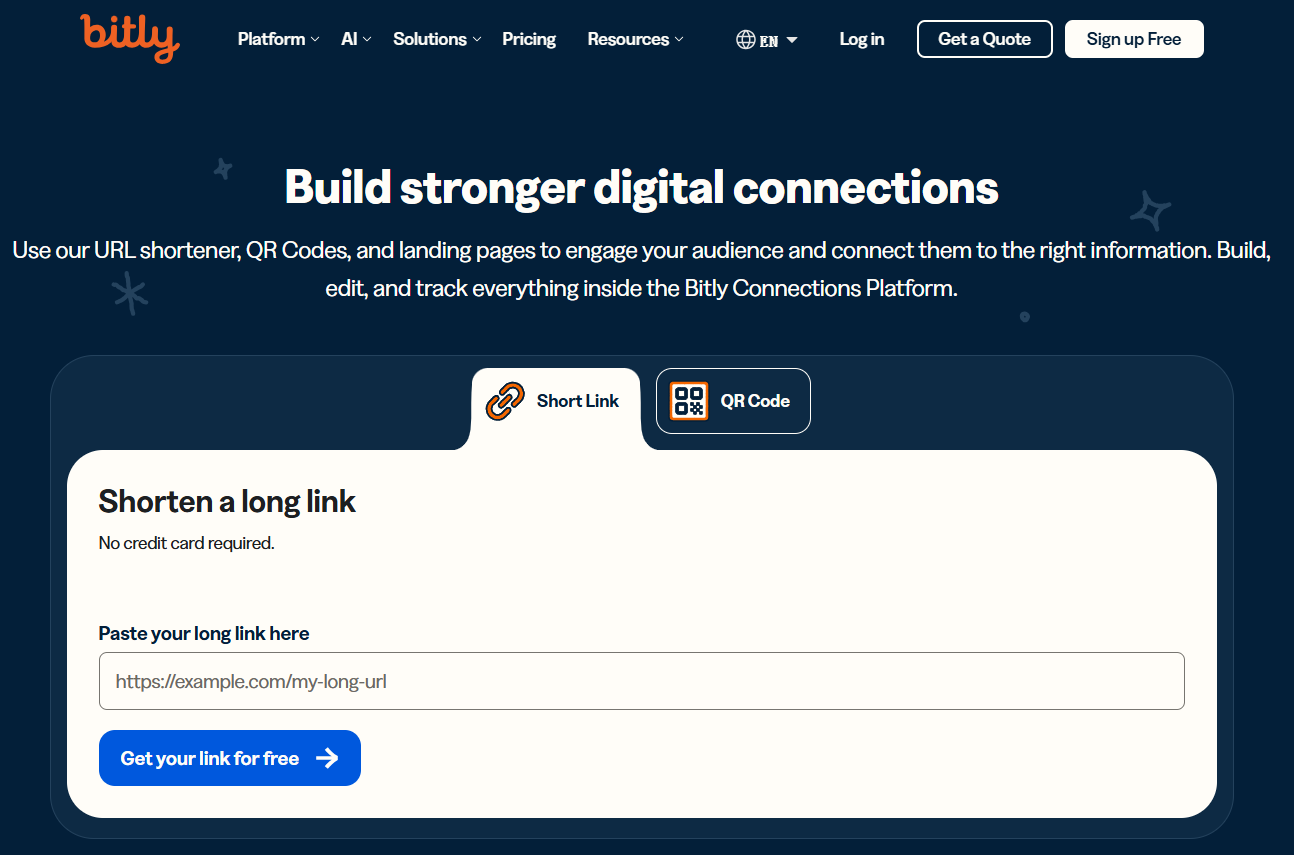
Bitly is the "Kleenex" of link management. It has been around forever, and chances are you have clicked a bit.ly link today. It offers a rock-solid infrastructure that rarely goes down. It is great for enterprise teams that need high volume, specifically with their Enterprise plan which offers unlimited links and detailed domain-level reporting. However, the free plan has become very restrictive, and it lacks some modern AI features that competitors offer.
Key Features
-
Link-in-bio: Bitly also offers a basic "Bio" page to aggregate links.
-
QR Codes: Generate dynamic QR codes that can be edited even after printing.
-
Security: Strong blocklisting features to prevent your links from being flagged as spam.
Who is it for
Enterprise teams and large marketing departments that need a trusted, stable platform and don’t mind paying a premium for reliability and scale.
2. Rebrandly
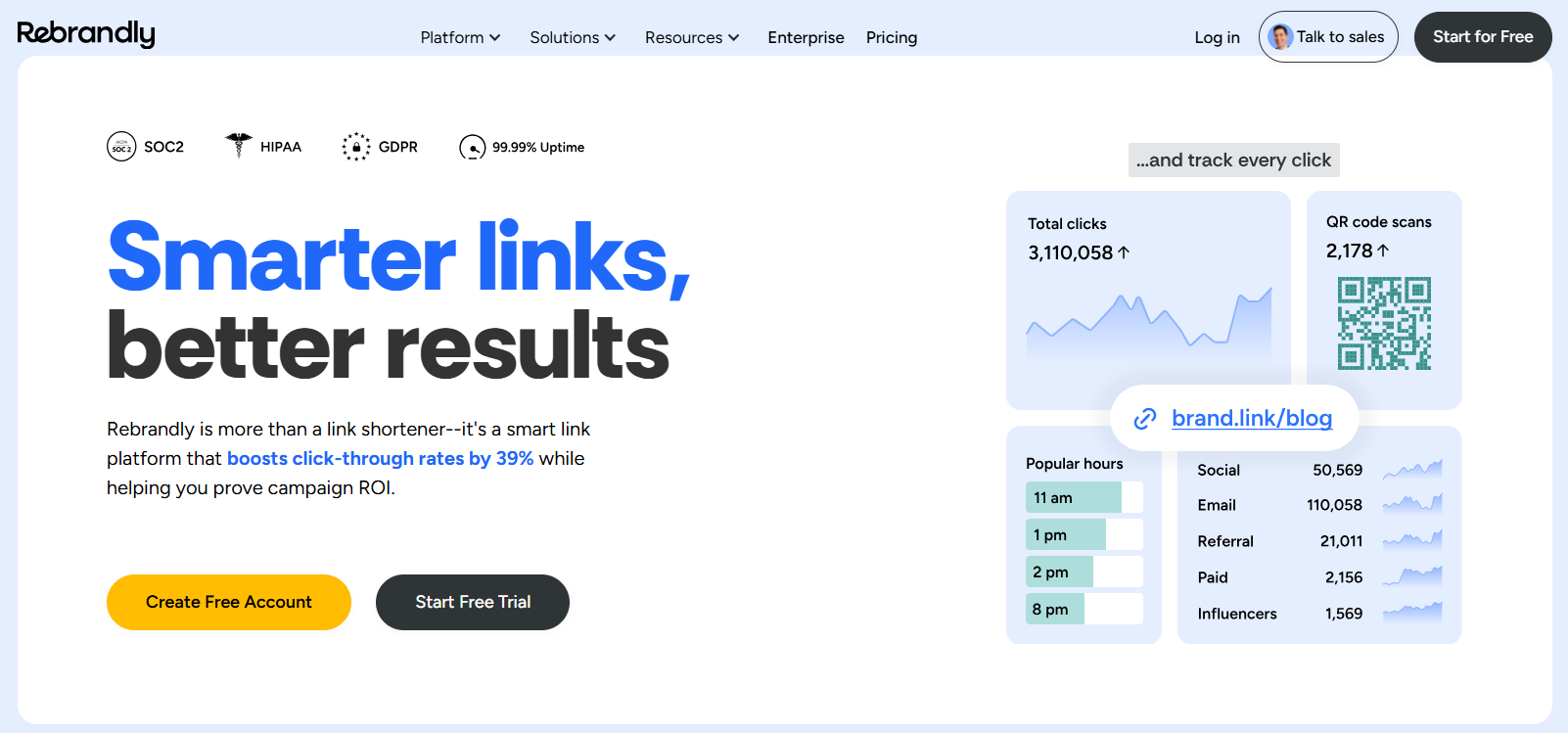
If branding is your absolute priority, Rebrandly is the best choice. It focuses heavily on deep linking and enterprise marketing stacks . The interface is built for teams, allowing multiple members to share domains and collaborate without stepping on each other's toes. It excels at keeping your links looking 100% custom.
Key Features
-
Team Workspaces: Allows different departments to manage their own links under one master account.
-
Deep API Integrations: Connects well with Haylix and other marketing automation tools.
-
Domain Management: Supports thousands of custom domains.
Who is it for
Marketing teams that need strict governance over their brand presence. It is ideal for agencies managing client brands but a bit overkill for individual creators.
3. TinyURL
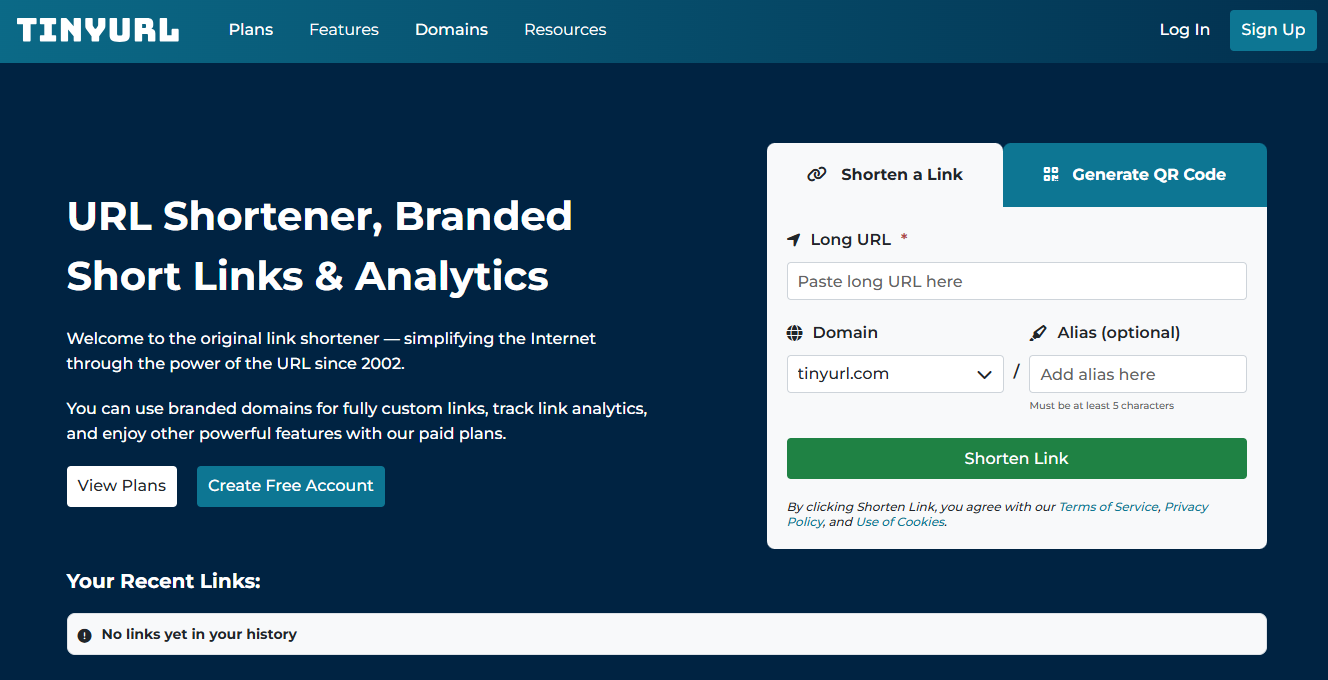
TinyURL is the oldest name in the game. While it lacks the flashy analytics of newer tools, it is simple and reliable. The platform has modernized recently, offering basic custom aliases. It is perfect for those one-off moments where you just need to clean up a link without creating an account.
Key Features
-
No Account Required: Shorten links instantly without signing up.
-
Simple Interface: Extremely straightforward, no clutter.
-
Expiration Dates: Set links to expire after a certain date.
Who is it for
Casual users or small business owners who rarely share links. If you do not need analytics and just want to hide a long URL, this is a fast solution, though not scalable for pro use.
4. Short.io
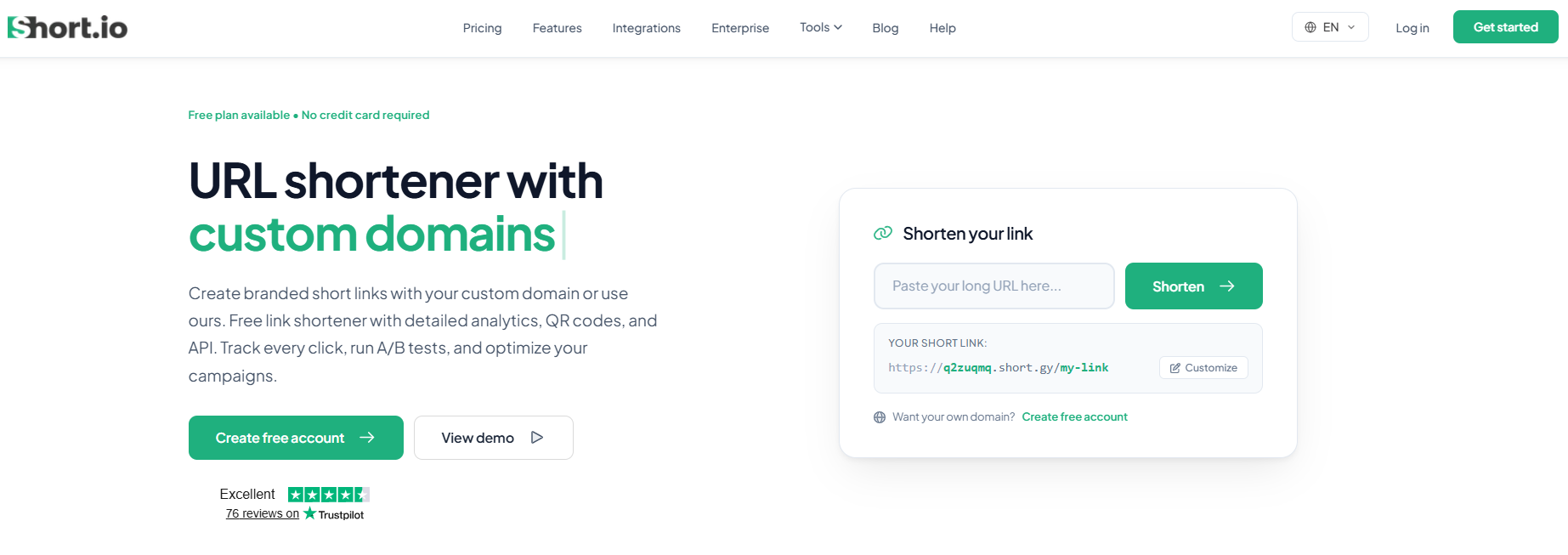
Short.io strikes a great balance between price and features, making it a favorite among startups. It offers a very generous free tier, allowing up to 1,000 branded links per month. It focuses heavily on white-labeling, meaning you can remove all branding from the link redirect page, making it look like it’s native to your site.
Key Features
-
Click Fraud Prevention: Advanced filters to block bots.
-
API Access: Great for developers looking to automate link creation.
-
Custom 404 Pages: Creates a branded error page if a user types a wrong slug.
Who is it for
Developers and bootstrapped startups wanting a professional, white-labeled solution without high monthly costs.
5. Dub
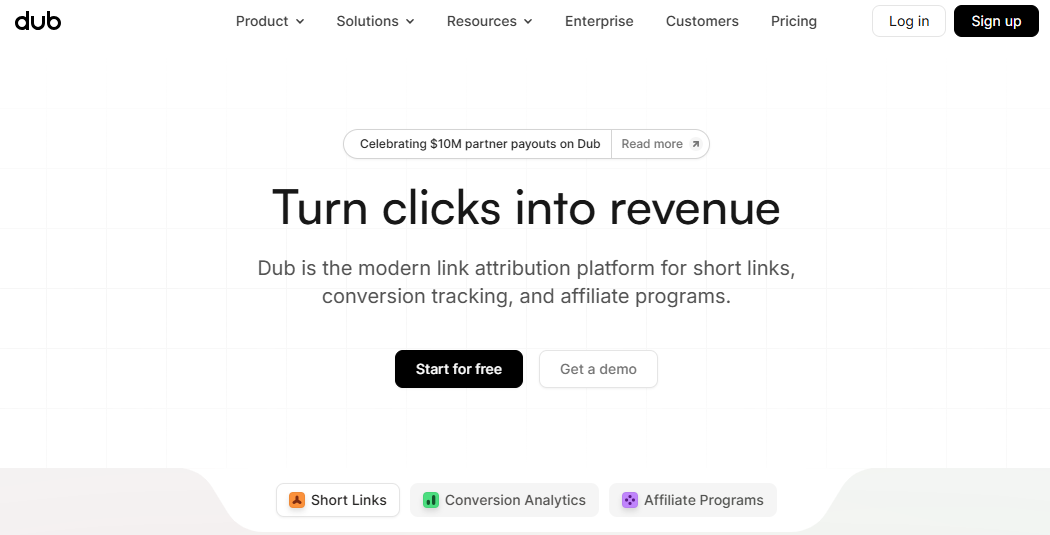
Dub is the new kid on the block that is taking over. It is open-source, modern, and heavily focused on AI analytics. Dub gives you the ability to see not just clicks, but conversions (e.g., how many people signed up for a newsletter via that specific link). The user interface is incredibly fast and pleasant to use, unlike some legacy tools that feel clunky.
Key Features
-
AI-Powered Insights: The AI analyzes your click data to suggest best posting times.
-
Open Source: You can self-host if you have privacy concerns.
-
Real-time Events: See clicks happen live on a map.
Who is it for
Modern marketers, tech-savvy individuals, and SaaS companies who want the most advanced analytics in a beautiful package.
6. Linktree
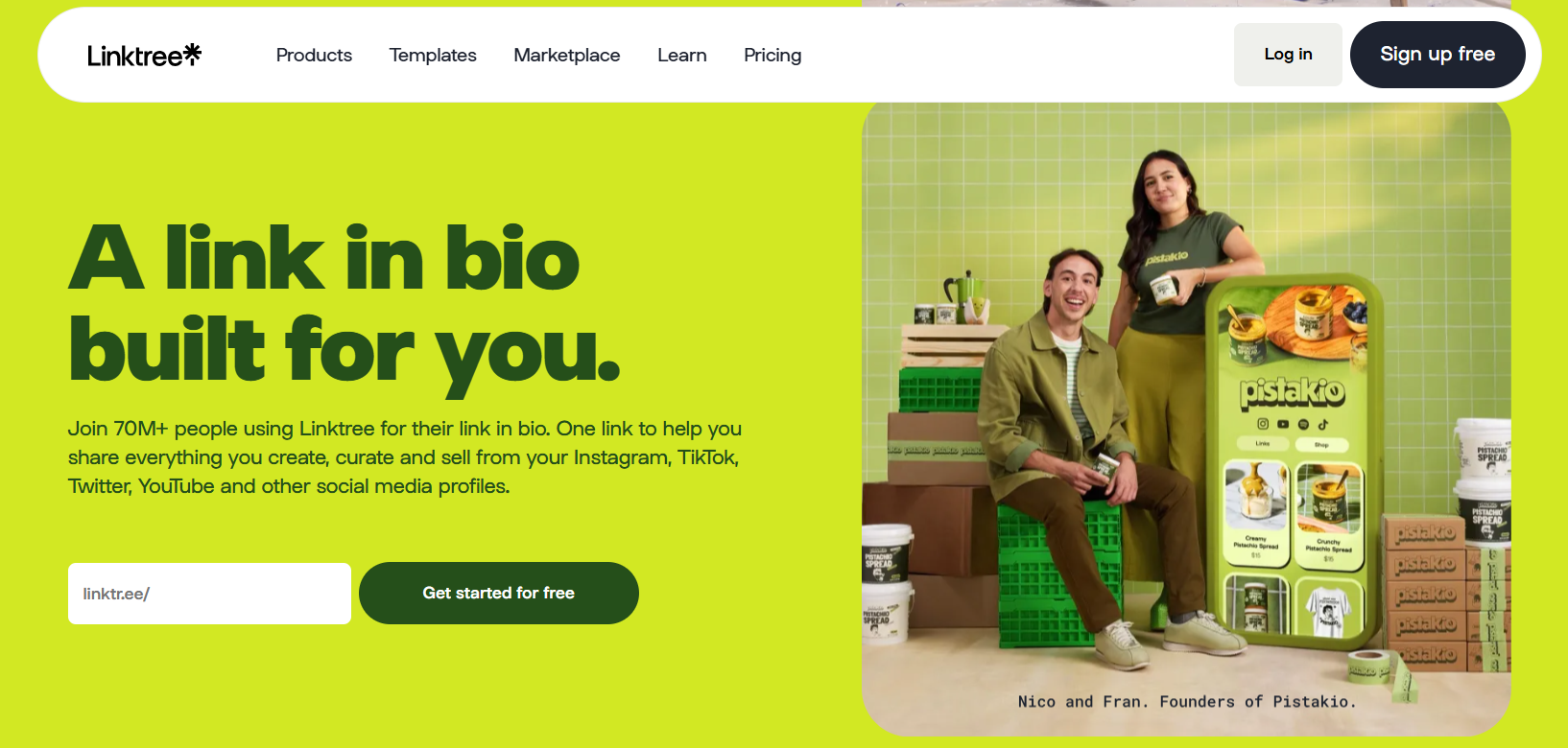
Linktree popularized the "link-in-bio" category. While it started as a simple landing page, it has evolved into a full link management tool focused on e-commerce and monetization. It is the industry standard for Instagram and TikTok bios, allowing you to circumvent social media link restrictions.
Key Features
-
App Integrations: Seamlessly connect to Spotify, Twitch, and Shopify.
-
Scheduling: Schedule links to go live at specific times (great for product drops).
-
Email Capture: Collect emails directly from your link page.
Who is it for
Influencers, creators, and media publishers who need a visually appealing hub for their social bio above all else.
7. Biovelt
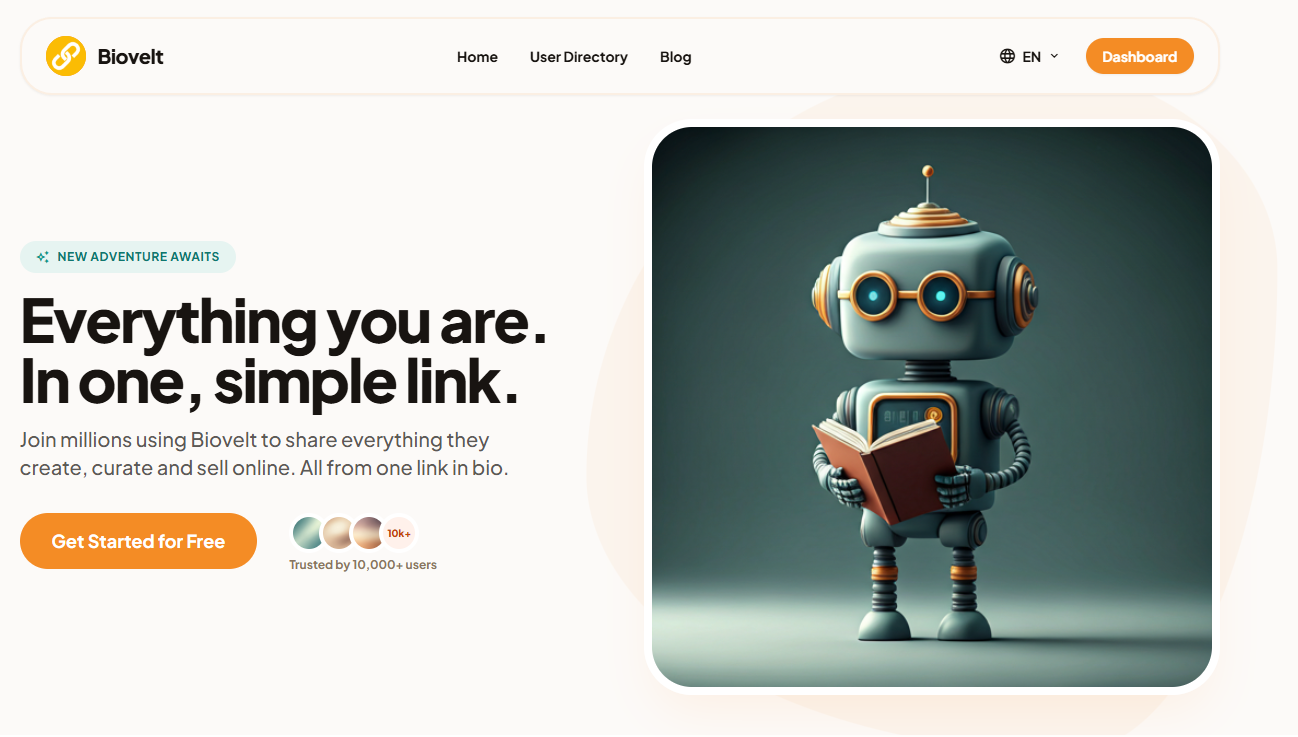
Biovelt is the dark horse candidate, and honestly, the best choice for creators on a budget. It is completely free. Unlike other tools that limit you to 1 or 5 links on a free plan, Biovelt allows you to add unlimited links to your page. It was built specifically for high-traffic environments like TikTok and Instagram. The setup is dead simple—no technical jargon—and it offers multiple themes for personalization.
Key Features
-
Free Unlimited Links: No paywalls, no premium tiers for basic features. Add as many links as your heart desires.
-
Simplicity: It takes less than 60 seconds to set up a professional-looking page.
-
Built-in Analytics: Real-time updates on click counts and traffic sources. You know exactly which link is performing best.
-
Customizable Themes: Choose from multiple aesthetic themes to make your page look unique .
Who is it for
Individual creators, freelancers, and small business owners who need a robust link management tool for their social bios but do not want to pay a monthly subscription fee. It is absolutely perfect for the "Creator Economy."
How to Choose the Right Link Management Tool
Selecting the right platform can be tricky. Do not just pick the first one you see. Base your decision on these three specific factors.
Match the Tool to Your Traffic Source
-
For Instagram/TikTok (Link in Bio): You need a visual landing page. Linktree or Biovelt is your best bet because they prioritize mobile layouts.
-
For Email Signatures & Daily Posts: You need click tracking. Bitly or Short.io works great here.
-
For Paid Ads: You need conversion tracking and pixels. Dub or Rebrandly offers the deep analytics required to optimize ad spend.
The Budget Reality Check
If you have $0 to spend, skip Bitly. Their free tier is very limited. Go with Biovelt for bio pages or Short.io for branded short links, as they offer the most generous free usage.
Ease of Use vs. Control
Do you want to "set it and forget it," or do you want to tweak every redirect rule?
-
Biovelt/Linktree: Super easy, drag-and-drop.
-
Dub/Short.io: Mid-level, requires some setup but offers more data.
-
Self-hosted solutions: Max control, but you need to know code.
Tips for Using Link Management Tools Effectively
To get the most out of your investment, here are four professional tips to boost your SEO and click rates immediately.
1. Always Use Custom Slugs
Never leave the random string of letters (/aB3Df9). Change it to something descriptive. For example, use /black-friday-sale instead of /j2Hd9. This gives users a hint of where they are going before they click, which builds trust.
2. UTM Parameters Are Your Friend
Do not rely solely on the tool's analytics. Add UTM parameters to your links inside the tool. Since you will often share the same destination across multiple channels (e.g., a blog post shared on Twitter, LinkedIn, and a newsletter), use UTM parameters to differentiate which channel drove the most traffic.
3. Regularly Audit Your Links (Link Rot)
Links break over time. Maybe you deleted a product page or moved a blog post. Broken links are bad for user experience and look unprofessional. Once a month, export your links from your link management tool and check for 404 errors. Redirect dead links to live pages.
4. Keep It Clean on Bio Pages
When using tools like Biovelt or Linktree, less is more. You have unlimited space, but your visitor has limited attention. Put your most important link (the one you want to make money or grow an email list) at the top. Bury affiliate links at the bottom.
Conclusion
Managing links seems like a small detail, but it’s a massive lever for growth. Whether you need the raw power of Bitly, the modern AI of Dub, or the completely free simplicity of Biovelt, there’s a solution for you.
Start with a tool that fits your current size.
-
Creator just starting? Grab Biovelt or Linktree.
-
Running ad campaigns? Invest in Short.io or Dub.
The most important step is to start cleaning up your links today. Your click-through rate will thank you.
FAQs
1. What is the difference between a link management tool and a URL shortener?
A URL shortener simply makes links shorter. A link management tool includes branding (custom domains), detailed click analytics (location/device), and the ability to edit the destination URL after the link has been shared without changing the short link itself.
2. Can I use a link management tool for free?
Yes. Biovelt is currently one of the best free options for creators, allowing unlimited links at no cost. Short.io also offers a generous free plan for branded short links, usually up to 1,000 links per month.
3. How do branded links help my SEO?
Branded links do not directly pass SEO "link juice" like a standard HTML backlink does. However, they increase Click-Through Rates (CTR) in emails and social media. Higher engagement signals to Google that your content is valuable, which indirectly boosts your SEO over time.
4. What happens if my link management tool goes out of business?
This is a legitimate risk. If the service shuts down, your short links stop redirecting. To mitigate this, choose a tool that allows you to export your link data or use a custom domain. If you own the domain (your.link), you can usually redirect the entire domain to a backup service if the worst happens.
5. Can I track individual clicks on a PDF or image file?
Yes, but indirectly. You cannot attach tracking to the file itself. However, you can upload your PDF to a cloud drive (like Google Drive or Dropbox), get the shareable link, and then run that link through your link management tool. You will then be able to see how many times that specific file link was clicked.